Graphical user interface (GUI)#
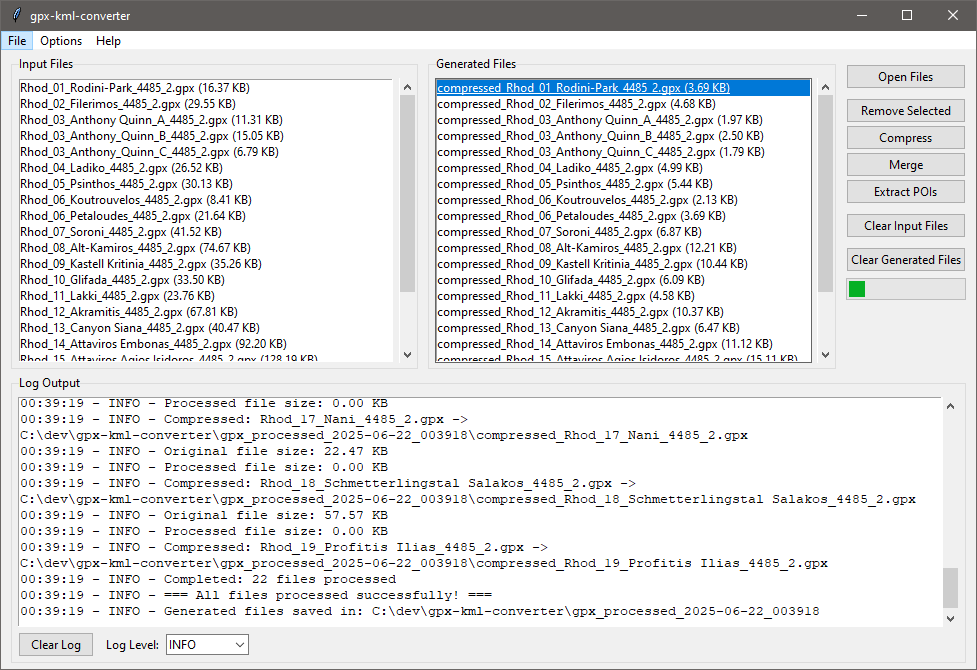
Once the GUI is launched, you can:
-
Open Files: Click "Open Files" to add GPX/KML files to the input list. ➕📁
-
Select Files (Optional): Click on files in the input list to select them for specific processing. If no files are selected, all loaded input files will be processed. ✅
-
Choose a Processing Mode: Click one of the processing buttons ("Compress," "Merge," "Extract POIs") to start the operation. ▶️
-
Monitor Progress: Observe the log output and the progress bar. ⏳
-
View Results: Check the "Generated Files" list for your processed outputs. Double-click an output file to open it or navigate to its containing directory. 🌟
Main Window Overview#
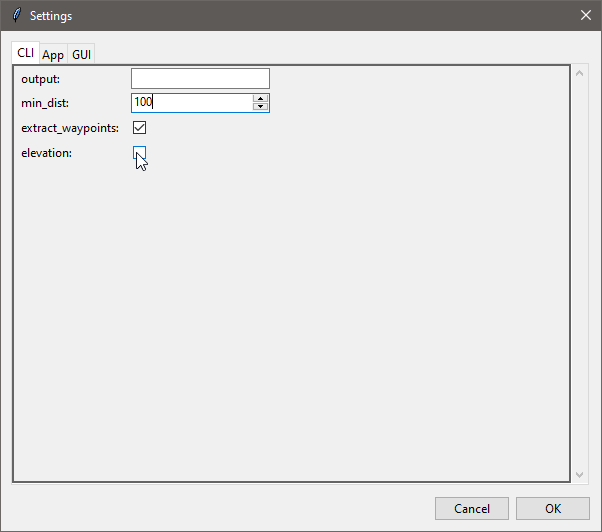
Settings Dialog#